Why Wi-Fi Struggles in Southern Highlands Homes
In Southern Highlands the Wi-Fi problem is usually scale. These are large homes, frequently with a guest casita, an office that gets used like a real office, and outdoor living space that people expect to work as well as the living room does. A consumer router and a couple of extenders do not hold that up, and adding more extenders makes it worse rather than better.
This is where a properly designed wired system earns its keep. Access points placed for the floor plan, each with a real wired connection back to a central router, managed as one network so devices hand off cleanly as you move through the house. It looks like nothing — a few discreet ceiling or wall units — and it behaves like infrastructure instead of a gadget.
Two Options, and What They Cost
There are two good ways to fix Wi-Fi in a home, and they suit different houses. Here is what each costs in hardware and how we decide which one is right for yours.
Option 1 — Wired UniFi Access Point System
The stronger setup, and the one we recommend whenever cable can reasonably reach the access points. Every access point has a full-speed wired path back to the router, so nothing is relaying, and the whole network is managed as one system with clean hand-off as you move through the house.
UniFi Dream Machine Pro
Router, firewall, and network controller for the whole system$379
UniFi Switch Lite 8 PoE
Powers and feeds the access points over a single Ethernet cable each$109
UniFi U7 Pro Wi-Fi 7 access point
The radio that actually covers the house — additional units added for larger or two-story homes and backyards$189
Bundle total, hardware
One access point included; additional access points quoted with the systemfrom $677
Option 2 — Whole-Home Mesh Wi-Fi
The right call when running cable would mean opening walls for little benefit, and for renters who need something that installs with no damage and moves with them. Premium tri-band Wi-Fi 7 systems — eero Pro 7-class hardware, TP-Link Deco and similar — with a dedicated band the units use to talk to each other, which is what separates a mesh that works from one that does not.
Premium Wi-Fi 7 mesh system
Tri-band, three nodes, covers roughly 6,000 sq ft — no wall penetrations requiredfrom $499
Hardware prices above are starting-at estimates based on current retail and are subject to change. Wi-Fi labor is quoted separately and per home after a walkthrough — running Ethernet drops through a single-story attic and covering a multi-level home with a casita are genuinely different jobs, and we would rather look at yours than publish a number that fits neither. The walkthrough and the quote are free.
Frequently Asked Questions
Why do Wi-Fi extenders make things worse in a big house?
Because a typical extender repeats the signal on the same radio it receives on, which roughly halves throughput at every hop, and it usually creates a second network name that devices cling to long after they should have switched. Access points on a wired backbone avoid both problems — full speed at each point, one network, clean hand-off.
How many access points does a home like mine need?
For most homes in this community, two at a minimum, and three or four once a casita, an office wing, and outdoor coverage are in scope. The number comes from the floor plan and the construction, not just the square footage, so we walk the house before quoting.
Can you keep the equipment out of sight?
Yes. Access points are small and mount flush to a ceiling or wall; the router and switch live in a closet, a rack, or the structured panel. The finished result should be a network you notice only by the fact that it works.
Can we have a separate network for guests?
Yes, and it is worth doing. A guest network keeps visitors off the network your computers, cameras, and storage live on, with its own password you can change whenever you like. It is standard on the UniFi setup.
Do you cover the pool deck and outdoor kitchen?
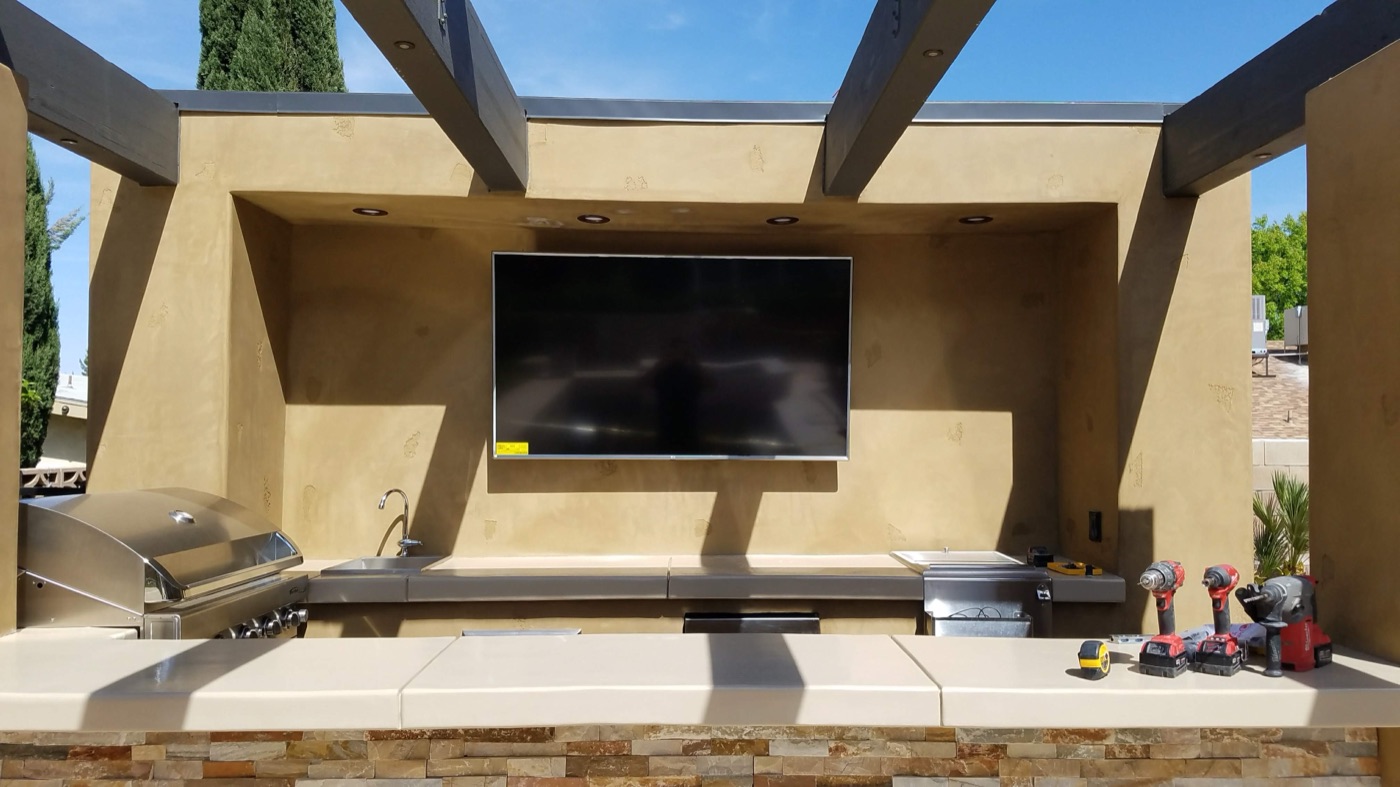
Yes — usually with an access point positioned for the back of the house or an outdoor-rated unit under a soffit. Worth including in the walkthrough so it is designed in rather than bolted on later.
What does a system like this cost?
Hardware starts at $677 for a wired UniFi system with one access point, and additional access points are added for larger homes and outdoor coverage. A premium Wi-Fi 7 mesh starts at $499 if a wireless system is the better fit. Both are starting hardware estimates and can change with pricing; labor is quoted per home after we walk it.