Why Your Wi-Fi Dies in Half the House: Stucco, Low-E Glass and Las Vegas Floor Plans
If your streaming buffers in the back bedroom, your patio has no signal, and the router is a room away from where you actually use the internet, the problem probably isn't your internet plan. Las Vegas homes have specific construction features that are hostile to Wi-Fi, and upgrading from 500 Mbps to a gig fixes exactly none of them.
What's Actually Blocking the Signal
Metal lath behind stucco
Three-coat stucco is applied over expanded metal lath. Electrically, a grid of metal is a partial shield — the same principle that makes a microwave door work. Every exterior wall in a stucco home attenuates Wi-Fi far more than a wood-and-drywall wall would. This is the number one reason Las Vegas backyards and patios have terrible coverage even when the router is only twenty feet away on the other side of a wall.
Low-E window coatings
Nearly every window in the valley has a low-emissivity coating — a microscopically thin metallic layer that reflects infrared to keep the house cooler. It's excellent for your power bill and it also reflects radio frequency. So the windows don't rescue the signal that the stucco walls blocked. If you've wondered why signal drops off a cliff the moment you step outside, this and the lath are the answer.
Block walls and masonry
Interior masonry, block party walls, and the block perimeter walls around the yard all attenuate strongly.
The structured panel in the garage
Many Las Vegas homes from the 2000s onward have a structured media panel, and the internet service frequently terminates there. That panel is often a metal can, in the garage, at one corner of the house — three separate handicaps at once. A router inside a metal enclosure at the far end of the floor plan is a common and entirely fixable situation.
Single-story sprawl and two-story separation
A 3,000-square-foot single-story ranch spreads coverage over a long distance. A two-story puts a floor between the router and half the house. Both are ordinary here.
Fixes, in Order of How Much They Actually Help
1. Move the router (free)
Central, elevated, out in the open. Not in a closet, not in a cabinet, not inside the metal structured panel, not on the floor behind the TV. This single change fixes more dead spots than any purchase, and it costs nothing to try.
2. Mesh with wired backhaul (the real fix)
Mesh systems work by relaying traffic between nodes. If that relay happens over Wi-Fi, each hop costs you bandwidth and passes through the same walls that caused the problem. If the nodes are connected to each other by Ethernet — "wired backhaul" — each node is effectively a full-strength access point and the walls stop mattering.
This is why running Cat6 is the highest-value network upgrade in a stucco house. It's not about wired devices; it's about giving the mesh a path that isn't fighting the building.
3. Ethernet to the places that matter
Anything stationary and bandwidth-hungry should be wired: the main TV, a game console, a home office desktop, the media room. Every device you take off Wi-Fi is airtime given back to the ones that need it. Cat6 handles gigabit and multi-gigabit comfortably at household distances.
4. An access point for the backyard
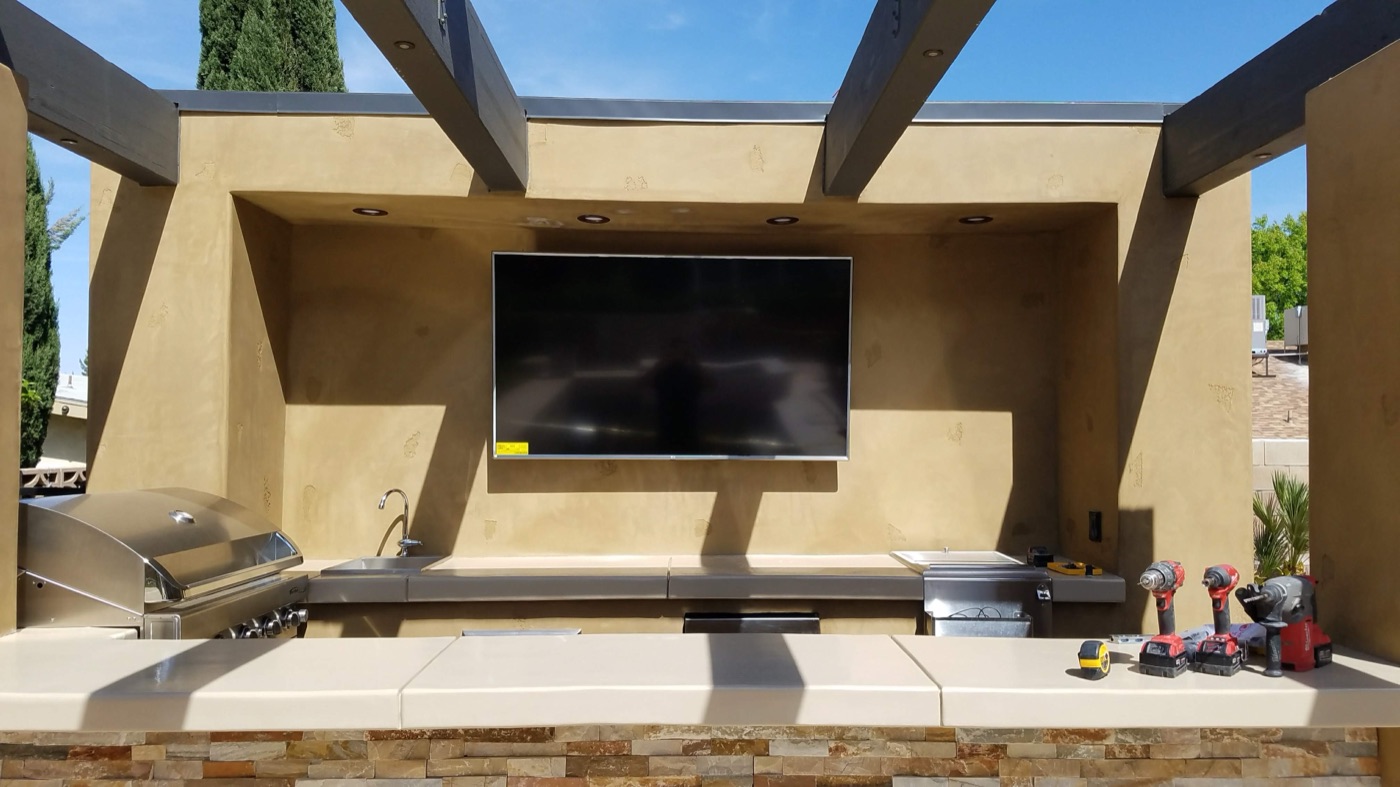
Since the stucco and low-E glass are jointly responsible for the patio dead zone, the answer is an access point on the outdoor side of that barrier, not a stronger router indoors. Worth doing before you install a patio TV or outdoor speakers that depend on streaming.
5. Understand the 6 GHz tradeoff
Wi-Fi 6E and 7 add a 6 GHz band that is fast and uncongested — and worse at passing through walls than 5 GHz, which is itself worse than 2.4 GHz. In a stucco home, a 6 GHz-heavy setup can measure beautifully in the same room and fall apart two rooms away. It's a reason to add access points rather than to expect one radio to cover more ground.
What Doesn't Help Much
- A faster internet plan. If the signal doesn't reach the room, the speed of the pipe into the house is irrelevant.
- Plug-in Wi-Fi extenders. They typically halve throughput and create a second network your devices cling to at the wrong times. Better than nothing, worse than almost any alternative.
- Powerline adapters. Performance depends entirely on the house's wiring topology, and results across circuits and panels are unpredictable.
The Remodel and New-Build Version
If walls are open, run Cat6 to every TV location, every likely access point location on the ceiling, the office, and the patio eave, all terminating at one central spot with power and ventilation. It's inexpensive at that stage and it eliminates this entire category of problem permanently. See what to ask for before drywall.
Frequently Asked Questions
Why is my Wi-Fi so bad in my Las Vegas backyard?
Two things stack up: the metal lath behind stucco partially shields the signal, and low-E window coatings reflect radio frequency rather than letting it through. The fix is an access point on the outdoor side of that barrier, not a more powerful router indoors.
Will a mesh system fix my dead spots?
It will help, and it helps far more if the nodes are connected to each other with Ethernet rather than relaying over Wi-Fi. In a stucco home, wireless backhaul has to fight the same walls that caused the problem in the first place.
Is Ethernet still worth running if I have fast Wi-Fi?
Yes, for two reasons. Stationary devices like TVs, consoles, and desktops run better wired, and taking them off Wi-Fi frees up airtime for everything else. Ethernet is also what makes mesh backhaul work properly.
Do Wi-Fi extenders work?
Poorly, in general. Most halve throughput because they receive and retransmit on the same radio, and devices tend to stay connected to them after you've walked away. An additional access point on a wired connection is a much better answer.
Related Reading
Structured Cabling & Networking · What to Wire Before Drywall Goes Up · Planning a Home Theater · Outdoor TV Installation for Patios