Home Wi-Fi, Network & Access Point Installation in Centennial Hills, NV
Whole-home coverage for Skye Canyon, Providence, Lone Mountain, Tule Springs, and Desert Shores — dead zones eliminated, access points placed properly, and a network that holds up in the room farthest from the router. Wired UniFi systems from $677 in hardware, or Wi-Fi 7 mesh from $499.
North valley homes tend to sit on bigger lots, and that changes what a Wi-Fi job looks like. In Skye Canyon and Providence the house is often larger, the yard is larger, and there is frequently something else out there — a detached garage, a workshop, a casita — that also wants a connection. One router covering all of that was never realistic.
The advantage is that these are newer homes, and newer homes are much more likely to have been built with network cable in the walls. When a builder left a structured panel and drops to a few rooms, a wired access point system goes in cleanly and performs at a level mesh cannot match. We check the panel before we recommend anything, because that one detail changes the whole plan.
What We Install
Wired Access Point Systems
UniFi access points on a wired backbone — each one gets a full-speed connection back to the router instead of spending half its radio time relaying.
Whole-Home Mesh Wi-Fi
Premium tri-band Wi-Fi 7 mesh with a dedicated backhaul band, placed properly rather than wherever there was a free outlet.
Ethernet Drops & Wired Backhaul
New Cat6 runs through attic and wall space to feed access points, offices, and TVs that should never have been on Wi-Fi in the first place.
Access Point Placement
The part people get wrong on their own. Coverage comes from where the radios are, not from how much you spent on them.
Dead Zone Diagnosis
We find out whether the problem is distance, stucco and lath, channel congestion from your neighbors, or an overloaded router — then fix that, rather than selling you hardware first.
Home Office & Small Office
Reliability where the video calls happen, a separate guest network, and wired connections for the machines that need them. Residential first, small offices welcome.
What Centennial Hills Homes Usually Need
Skye Canyon, Providence, and the newer Tule Springs villages commonly include a structured wiring panel and Cat5e or Cat6 drops. Where that pre-wire exists, wired UniFi access points are the clear recommendation. Where a detached structure needs coverage, that usually calls for its own access point and a considered path to get signal or cable out to it.
Two Options, and What They Cost
There are two good ways to fix Wi-Fi in a home, and they suit different houses. Here is what each costs in hardware and how we decide which one is right for yours.
Option 1 — Wired UniFi Access Point System
The stronger setup, and the one we recommend whenever cable can reasonably reach the access points. Every access point has a full-speed wired path back to the router, so nothing is relaying, and the whole network is managed as one system with clean hand-off as you move through the house.
UniFi Dream Machine Pro Router, firewall, and network controller for the whole system$379
UniFi Switch Lite 8 PoE Powers and feeds the access points over a single Ethernet cable each$109
UniFi U7 Pro Wi-Fi 7 access point The radio that actually covers the house — additional units added for larger or two-story homes and backyards$189
Bundle total, hardware One access point included; additional access points quoted with the systemfrom $677
Option 2 — Whole-Home Mesh Wi-Fi
The right call when running cable would mean opening walls for little benefit, and for renters who need something that installs with no damage and moves with them. Premium tri-band Wi-Fi 7 systems — eero Pro 7-class hardware, TP-Link Deco and similar — with a dedicated band the units use to talk to each other, which is what separates a mesh that works from one that does not.
Premium Wi-Fi 7 mesh system Tri-band, three nodes, covers roughly 6,000 sq ft — no wall penetrations requiredfrom $499
Hardware prices above are starting-at estimates based on current retail and are subject to change. Wi-Fi labor is quoted separately and per home after a walkthrough — running Ethernet drops through a single-story attic and covering a multi-level home with a casita are genuinely different jobs, and we would rather look at yours than publish a number that fits neither. The walkthrough and the quote are free.
Wired or Wireless: How We Decide
If cable can reach it, wire it. A wired access point gets full speed back to the router. A wireless one spends part of its capacity relaying, and every hop costs you.
If running cable means opening walls for one room, do not. A premium tri-band Wi-Fi 7 mesh with a dedicated backhaul band is genuinely capable, and it is the honest answer in plenty of homes.
Renting? Mesh, every time. No penetrations, no landlord conversation, and it goes with you when you move.
Extenders are not the same thing. A typical repeater halves throughput at each hop and creates a second network name your devices cling to. We do not install them.
More hardware is not always the fix. Sometimes the problem is channel congestion or an overloaded router, not coverage. We would rather find that first than sell you three access points you did not need.
What You Get in Centennial Hills
Builder pre-wire located and put to work — the fastest path to a serious network
Detached garage, workshop, and casita coverage planned as part of the system
Large-lot backyard coverage rather than a signal that dies at the patio door
Wired UniFi access points where cable exists or can be run cleanly
Wi-Fi 7 mesh as the honest alternative when running cable is not worth the disruption
AVIXA CTS-certified installer — the same person who wires your AV wires your network
A free walkthrough and a written quote before any hardware is ordered
Areas We Cover in Centennial Hills
Skye CanyonProvidenceLone MountainTule SpringsDesert ShoresCentennial Hills Town Center
Recent Network Work
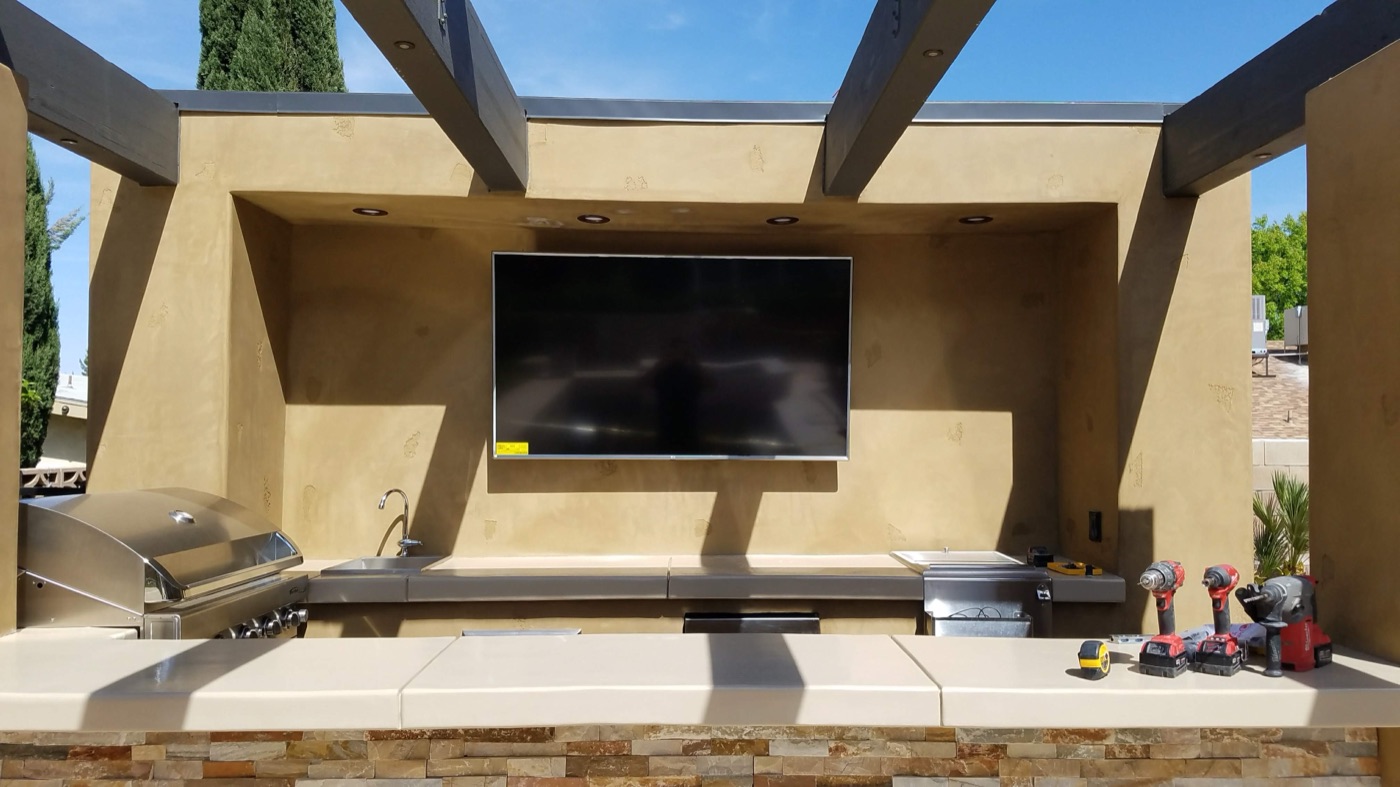
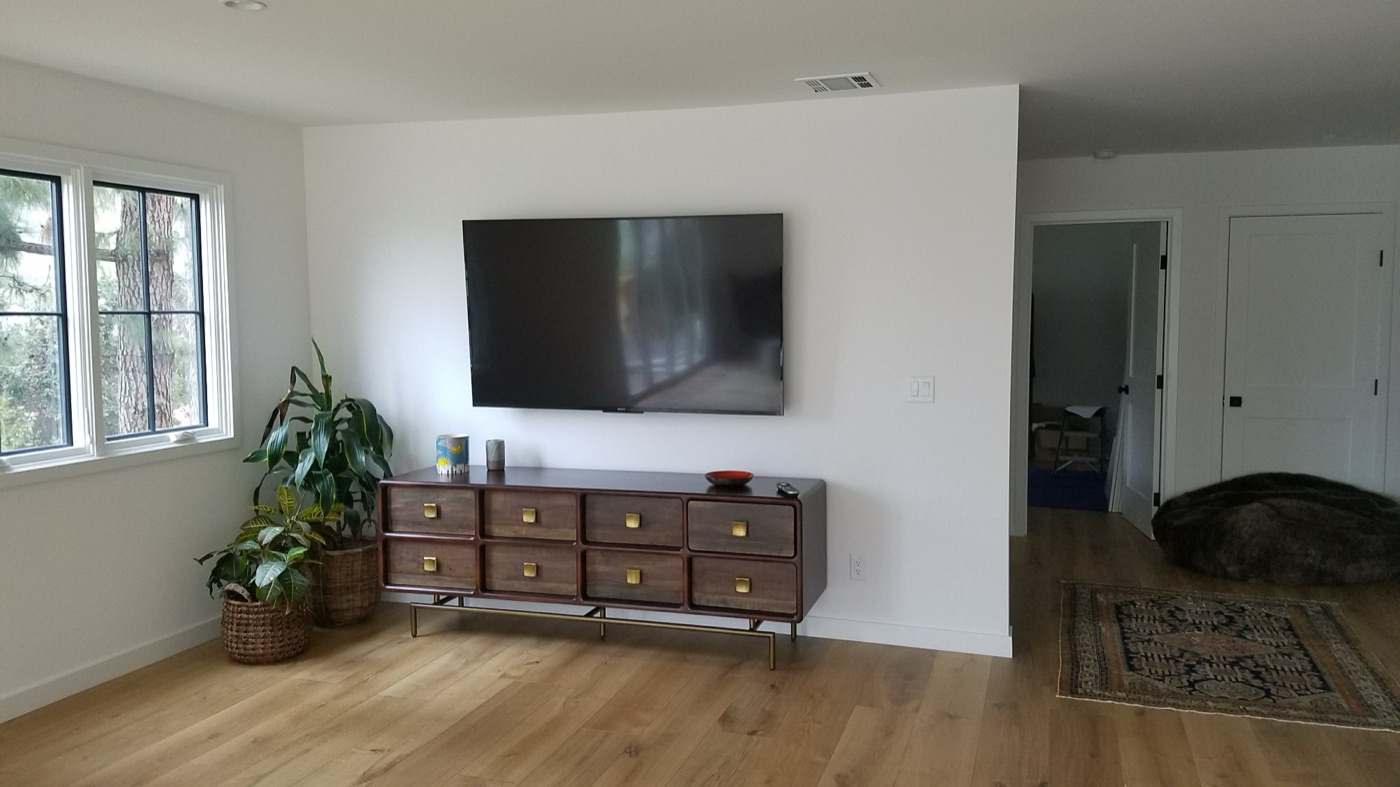
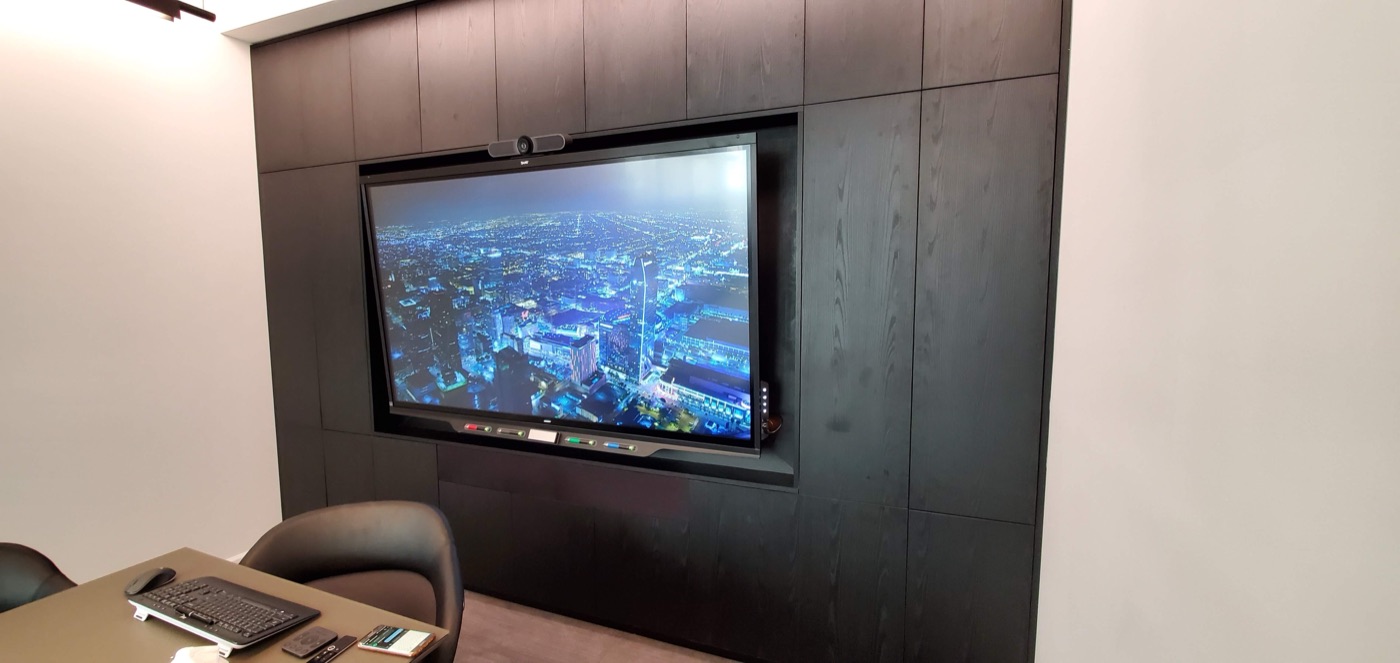
Mid-install, running cableEquipment tidy, nothing on showSmall office network and display
“Could not be happier with my experience! I had 3 TVs hung with wire concealment… Brandon was an incredible installer and an even better human! He was on time and completed my project quicker than I ever would have anticipated… Anyone who needs TV installation and more should most definitely hire Elite TV Installation!”
— Lindsay B. Yelp
★★★★★
“Great customer service and amazing job. Brandon was timely and did the job efficiently, you can definitely tell he knows what he is doing and does it with care… I will forsure have him do my other rooms. If you need the job done you should definitely hit him up. Thanks again!!”
— Cesar R. Yelp
Frequently Asked Questions
How do I know if my Skye Canyon or Providence home is pre-wired?
Look for a recessed panel in a closet, laundry room, or garage with cables terminated inside it, and for Ethernet jacks in bedroom or office walls. Many newer north-valley homes have both. If yours does, a wired access point system is straightforward and a significant upgrade.
Can you get Wi-Fi to my detached garage or workshop?
Yes, and it needs its own access point — a detached structure has exterior walls between it and the house, which is more than Wi-Fi will punch through reliably. Depending on the layout, we either run a buried or conduit-protected cable, or use a point-to-point wireless link to feed an access point out there.
Does a bigger lot mean I need more access points?
Usually, if you want the yard covered. Indoors, layout matters more than lot size. Outdoors, distance is simply distance, and covering a large back yard normally means an access point positioned for it rather than hoping the house signal carries.
Is Wi-Fi 7 worth it?
For a new system, yes, mostly for reasons that are not about headline speed: better handling of many devices at once, and on tri-band mesh a dedicated band for the units to talk to each other, which is what actually makes mesh perform. You will not notice the top speed. You will notice the network not falling over on a busy evening.
What does it cost?
Hardware starts at $677 for the wired UniFi system or $499 for a premium Wi-Fi 7 mesh. Both are starting estimates on hardware and subject to change. Labor is quoted per home after a walkthrough — a large two-story with a detached workshop is a different job than a single-story.
Can you add more access points later?
Yes, and that is one of the reasons we like the UniFi approach for larger homes. Additional access points add onto the same system and are managed together, so covering the casita or the backyard next year does not mean replacing anything.
Book a Centennial Hills Wi-Fi Walkthrough
Text us at (702) 601-7399 with your square footage, how many floors, and where the Wi-Fi drops out. We will tell you whether you need a wired system or a mesh before we quote anything, and the walkthrough is free.