Fixed, Tilt or Full-Motion: How to Choose a TV Wall Mount
Most people buy the mount last, after the TV, usually based on price. It's worth thirty minutes of thought, because the mount determines how the TV looks on the wall, how comfortable it is to watch, and how much load your wall has to carry.
The Three Types, Honestly Compared
| Fixed / low-profile | Tilting | Full-motion | |
|---|---|---|---|
| Distance from wall | Under an inch on slim models | 1–2 inches | 2–4 inches folded, up to 20+ extended |
| Adjustment | None after install | Vertical angle only | Angle, swivel, extension, often height |
| Cable access after mounting | Poor — often needs unmounting | Limited | Excellent |
| Load on the wall | Lowest | Moderate | Highest, by a wide margin |
| Looks | Cleanest, closest to flush | Nearly as clean | Visible arm; noticeable gap when folded |
Pick by Situation, Not by Feature Count
Choose fixed when…
The TV is at correct seated eye level on a wall you look at straight on, and the appearance of a nearly flush screen matters to you. This is the right answer more often than mount marketing suggests — a properly positioned TV doesn't need to move. Bedrooms with a single viewing position and clean modern living rooms both suit it well.
One practical caution: with a slim fixed mount, connecting a cable later can mean taking the TV off the wall. Get all your cabling in at install time.
Choose tilting when…
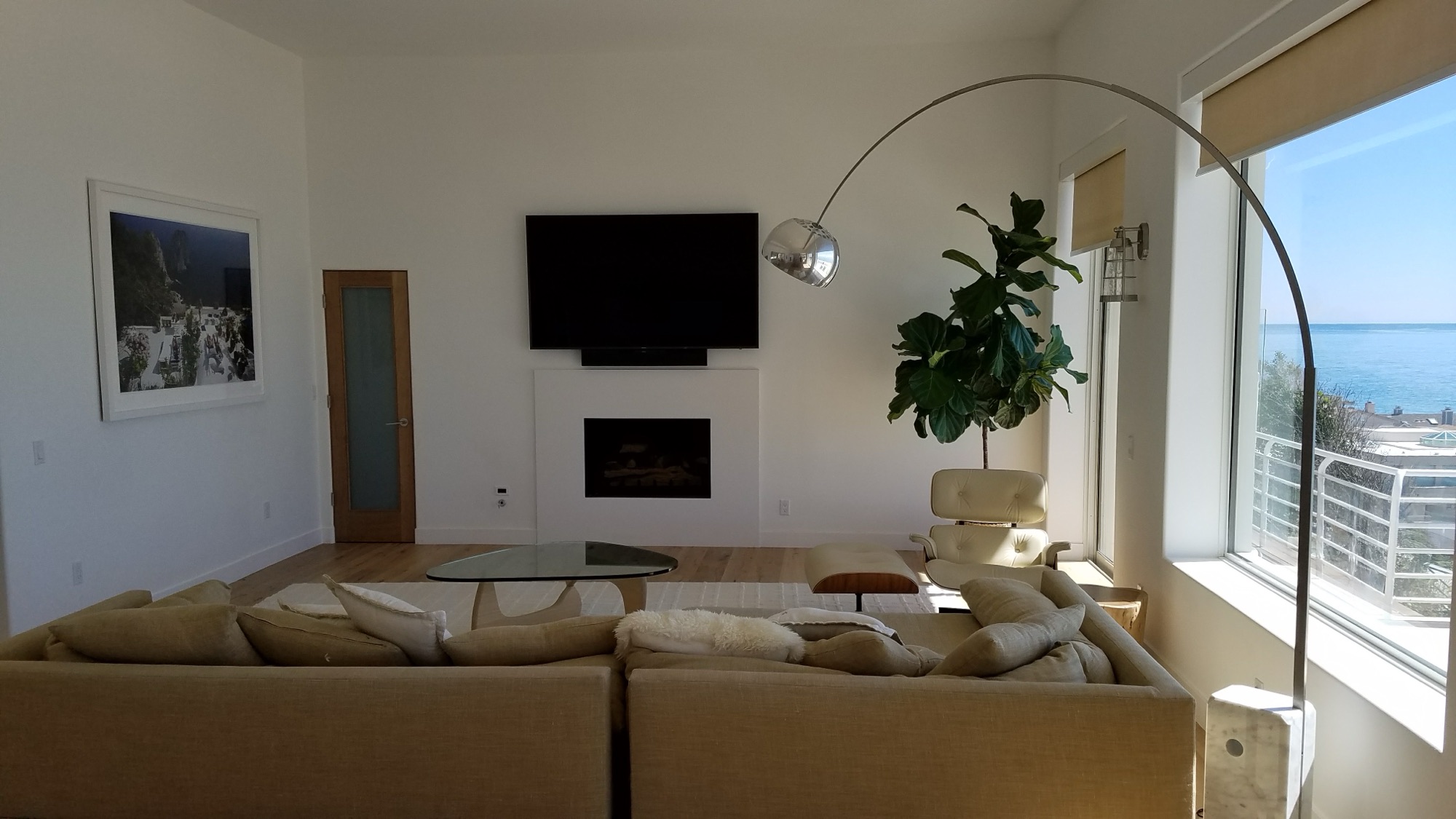
The TV sits above ideal height and can't come down — the fireplace wall being the classic case — or when a bright window or a wall of glass reflects into the screen and a few degrees of downward angle kills the reflection. Tilt is also a good default for a kitchen or gym TV that's watched from a standing position.
Choose full-motion when…
- You watch from genuinely different places — a great room where the sofa and the kitchen island are 90 degrees apart, which is a very common Las Vegas floor plan
- The TV is in a corner and needs to angle into the room
- Glare shifts through the day and you want to chase it
- You need routine access behind the TV
- A pull-down variant is being used over a fireplace to bring the screen to eye level for viewing
What you're trading: the arm holds the TV several inches off the wall even when folded, and the leverage when extended puts substantially more pull-out force on your fasteners. On a wood-stud wall with two studs engaged, that's fine. On anchors alone it isn't.
The Specs That Actually Matter
- Weight rating vs. your TV's real weight. Look up your specific model rather than guessing from screen size — same-size panels vary by 30 pounds or more. Leave real headroom; a mount at 95% of its rating is not a mount you want.
- VESA range. The hole spacing on the back of the TV, in millimeters. The mount must cover your pattern — 400×400, 600×400, and 800×400 are common on larger panels.
- Stud spacing compatibility. A plate that only reaches one stud is a real constraint on a heavy TV. Wider plates give you placement flexibility.
- Post-install leveling. Mounts with a leveling adjustment on the bracket let a slightly-off install be corrected without re-drilling. Genuinely useful, often overlooked.
- Included hardware. Nearly every mount ships with wood lags and plastic anchors. If you have block, brick, tile, or metal studs, none of it applies — see the relevant wall guide.
Four Situations Where the Obvious Choice Is Wrong
- Big TV, small room, full-motion. An 85-inch panel on an extended arm in a 12-foot room is unwieldy and the arm is holding a lot of weight far from the wall. Fixed or tilt, positioned well, usually serves better.
- Fixed mount over a fireplace. Common and almost always regretted. If the position is high, you need tilt at minimum.
- Full-motion in a rental. Bigger fasteners, more of them, and more wall repair at move-out. See the renter's guide.
- Slim fixed mount with a soundbar and console below. If you'll be swapping HDMI cables periodically, the mount that looks best is the one that makes that a two-person job.
Should You Buy It, or Have It Supplied?
Either is fine. If you buy your own, send us the model number along with your TV model before the appointment and we'll confirm the weight rating and VESA fit — that five-minute check prevents the most common cause of a rescheduled install. If you'd rather not think about it, we bring hardware matched to your TV and your wall.
Frequently Asked Questions
Is a full-motion mount worth the extra cost?
It is if you actually watch from more than one position, if the TV is in a corner, or if you need regular access behind it. If you sit in the same spot every night and the TV is at the right height, a fixed mount looks better and puts less load on the wall.
What is VESA and how do I find mine?
VESA is the spacing between the four mounting holes on the back of your TV, measured in millimeters — 400×400 and 600×400 are common. It's in the TV's manual and spec sheet, and you can measure it directly between hole centers.
Can I use a mount rated for less than my TV's weight if it 'feels sturdy'?
No. Ratings account for dynamic loads and long-term creep, not just whether it holds on day one. Match or exceed your TV's actual weight with real headroom, and check the actual model weight rather than assuming from screen size.
Do I need a different mount for a stone or block wall?
The mount is usually the same; the hardware is not. Masonry needs masonry anchors and a hammer drill, and the lag screws in the box won't work. On irregular surfaces like stacked stone, spacers or a backer plate are also needed so the plate bears evenly.
Related Reading
How TV Size Changes Your Mounting Quote · How High Should You Mount a TV? · Mounting a TV Without Studs · TV Mounting Services